nimaid turns Mermaid text into PNG, GIF and SVG in milliseconds. No headless Chrome, no Node, no system fonts: one small native library you can call from Python, JavaScript, C, C++ or the command line.
Rendering Mermaid usually means starting a headless browser. nimaid parses, lays out and draws everything itself.
No browser, no runtime
Parser, Mermaid-compatible layout, vector rasteriser, TrueType text and encoders are all written in Nim. DejaVu Sans is built in, so it works the moment it is installed.
Runs everywhere
CLI and C API for Linux (glibc and musl), macOS, Windows and FreeBSD on x86, ARM and RISC-V; Python wheels; and one WebAssembly build for Node, Deno, Bun and browsers.
Deterministic output
The same input gives the same bytes on every platform. SVGs use outlined glyphs, so they look identical in every viewer. Colour emoji are opt-in.
Eighteen diagram types
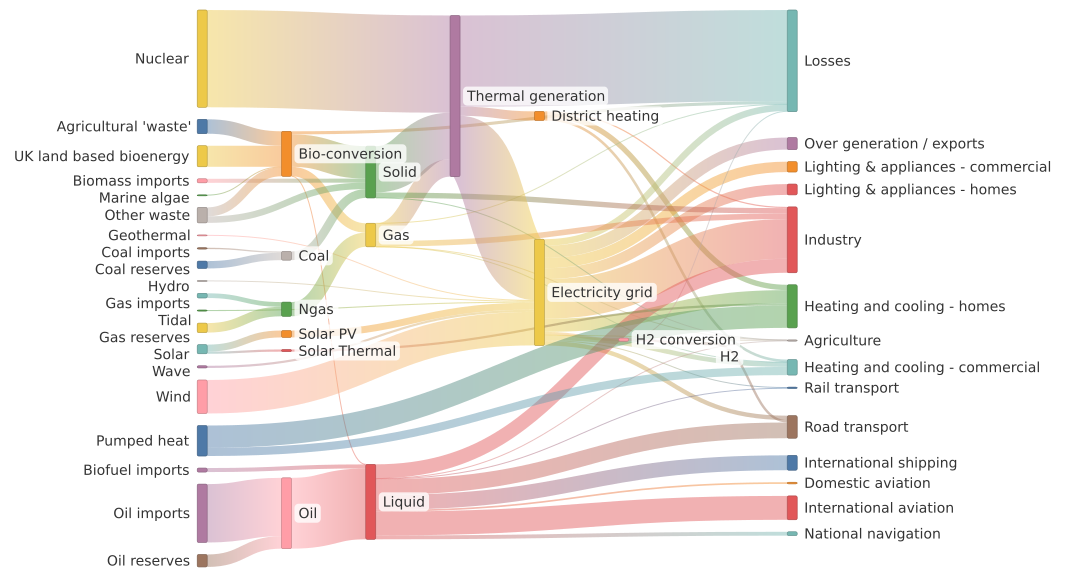
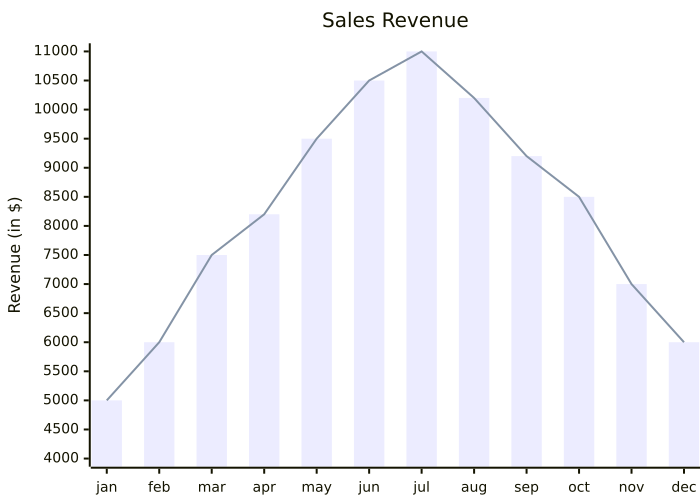
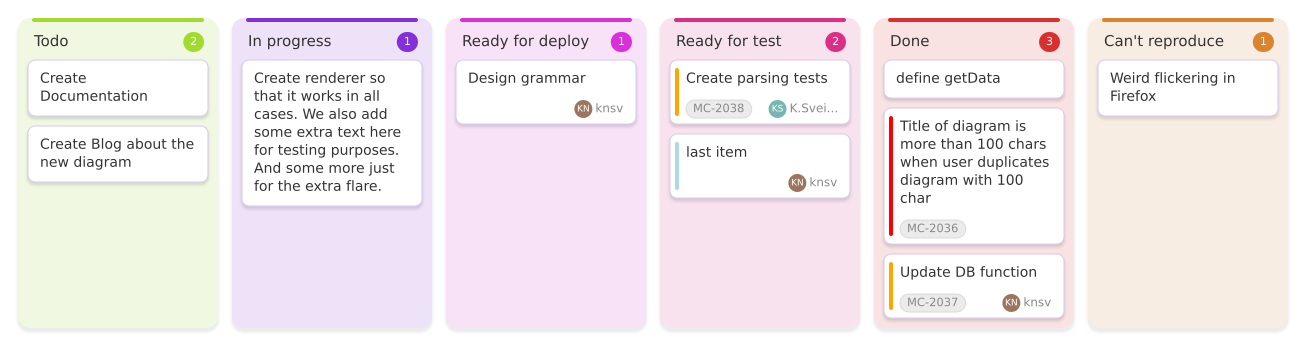
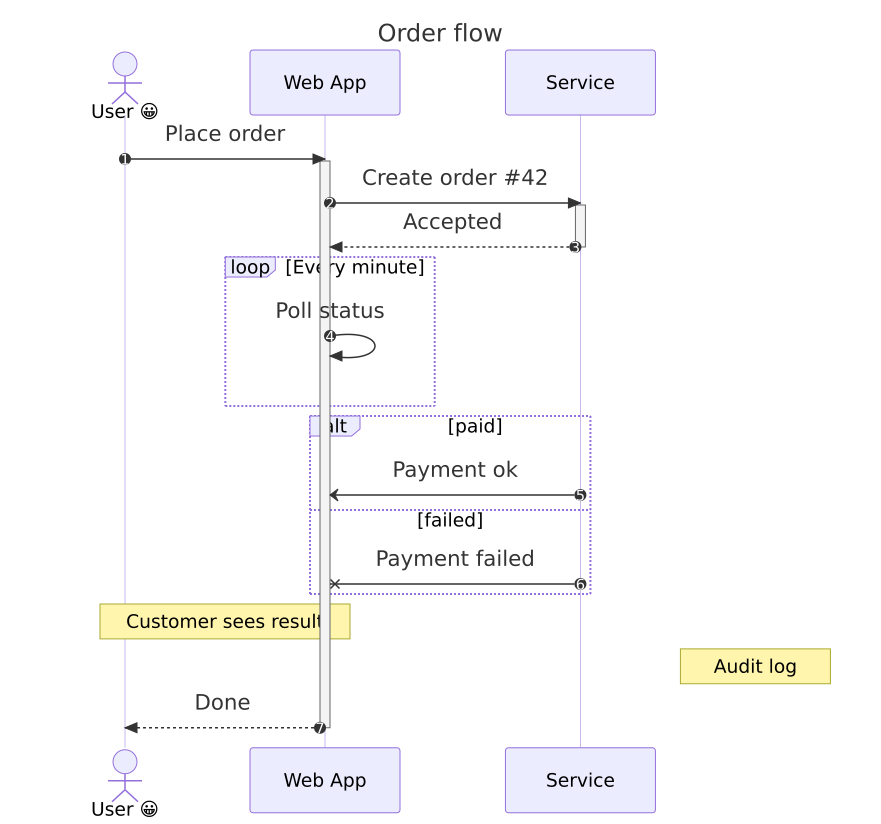
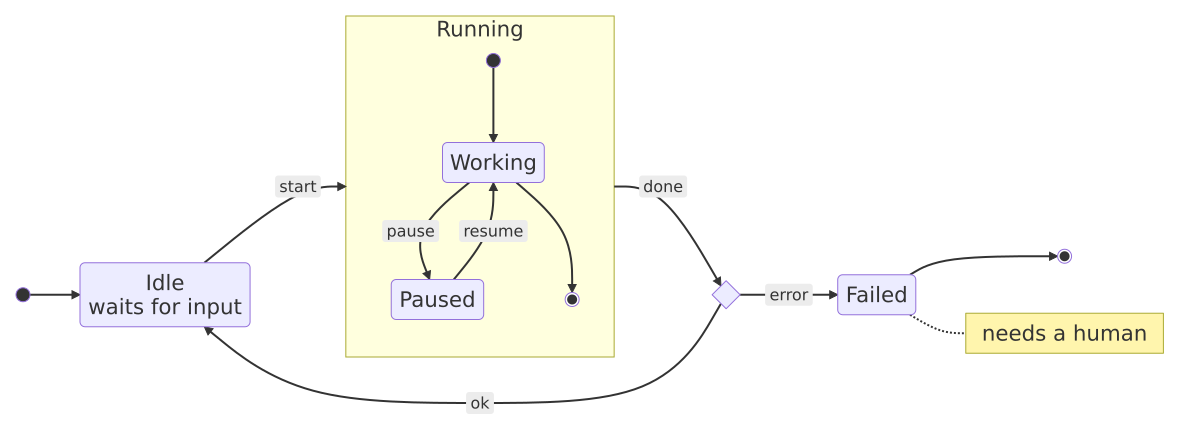
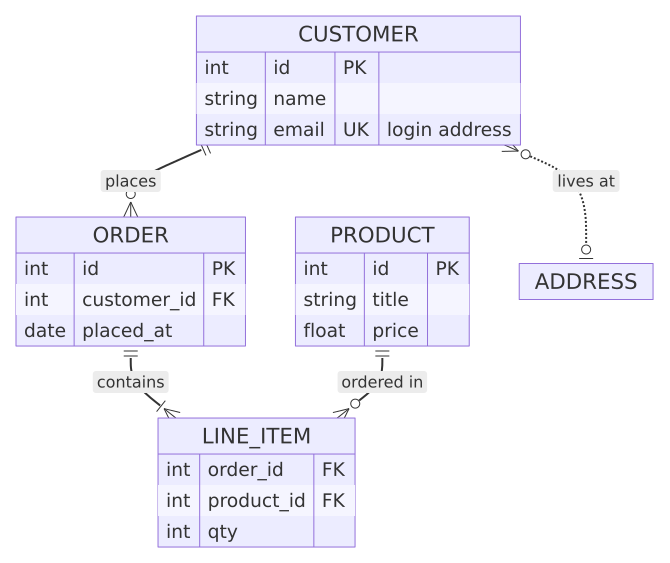
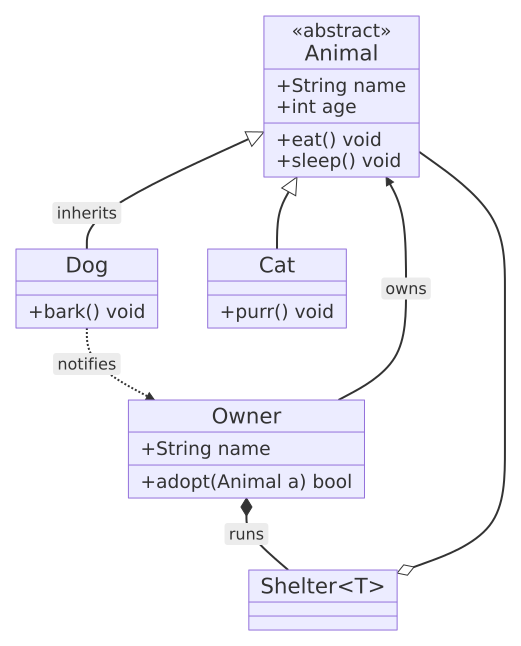
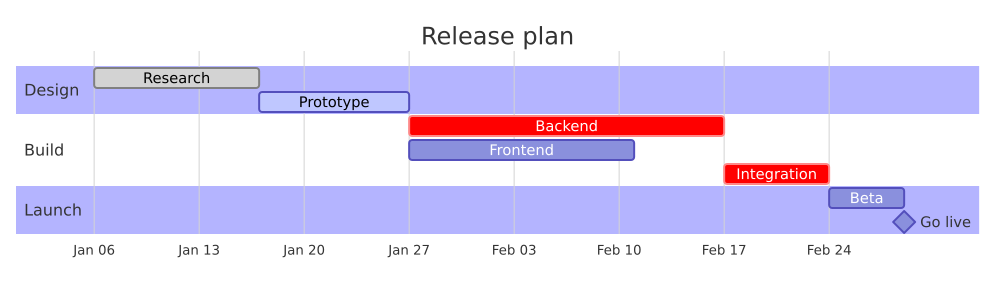
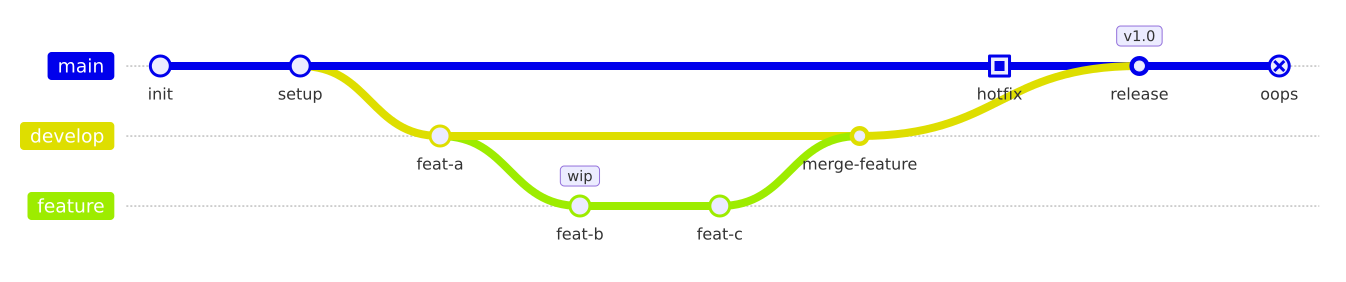
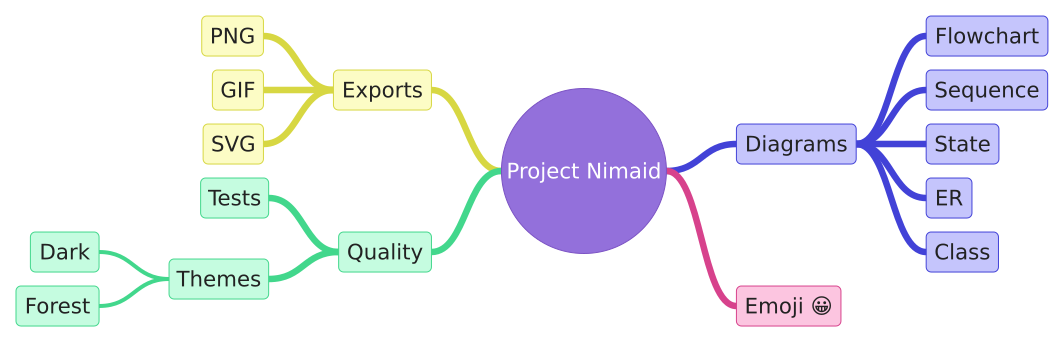
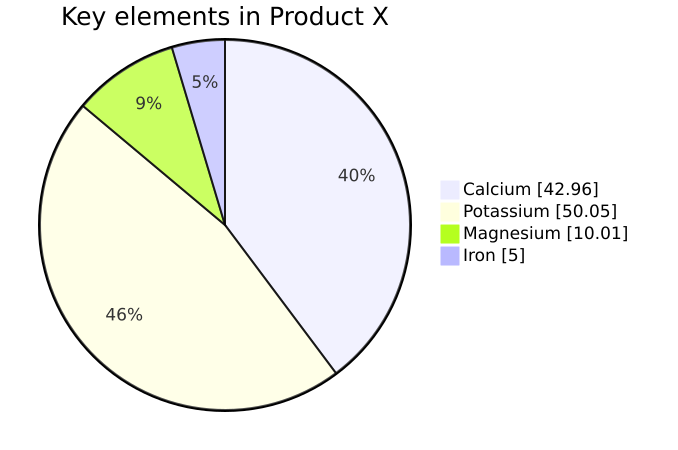
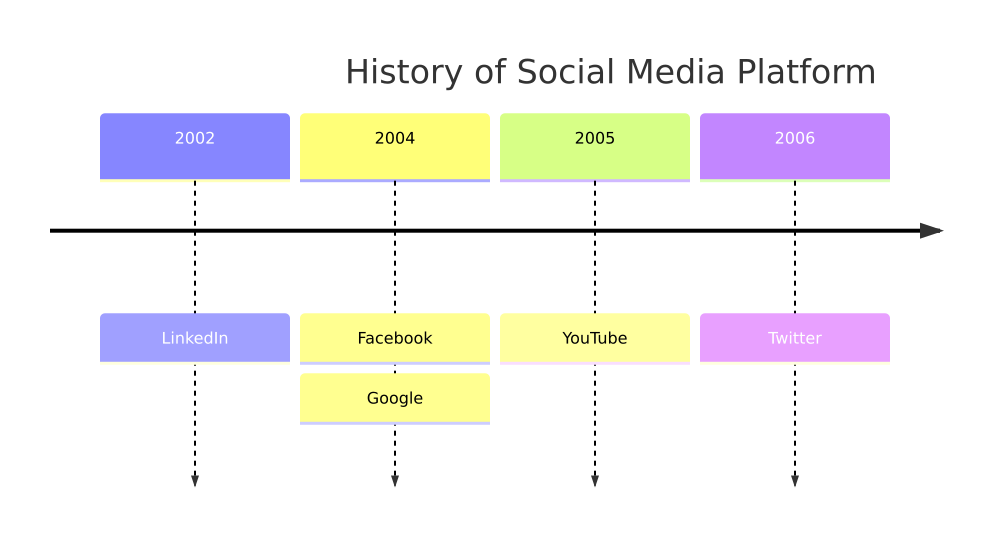
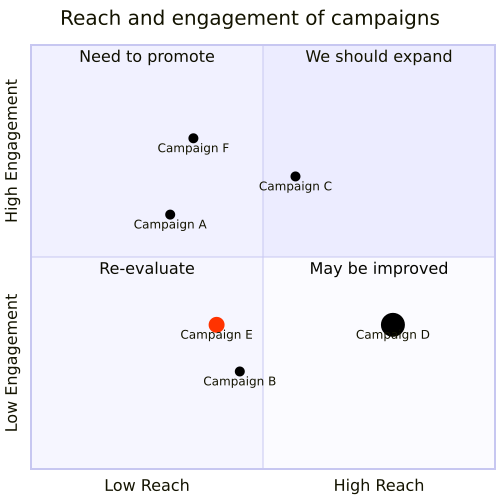
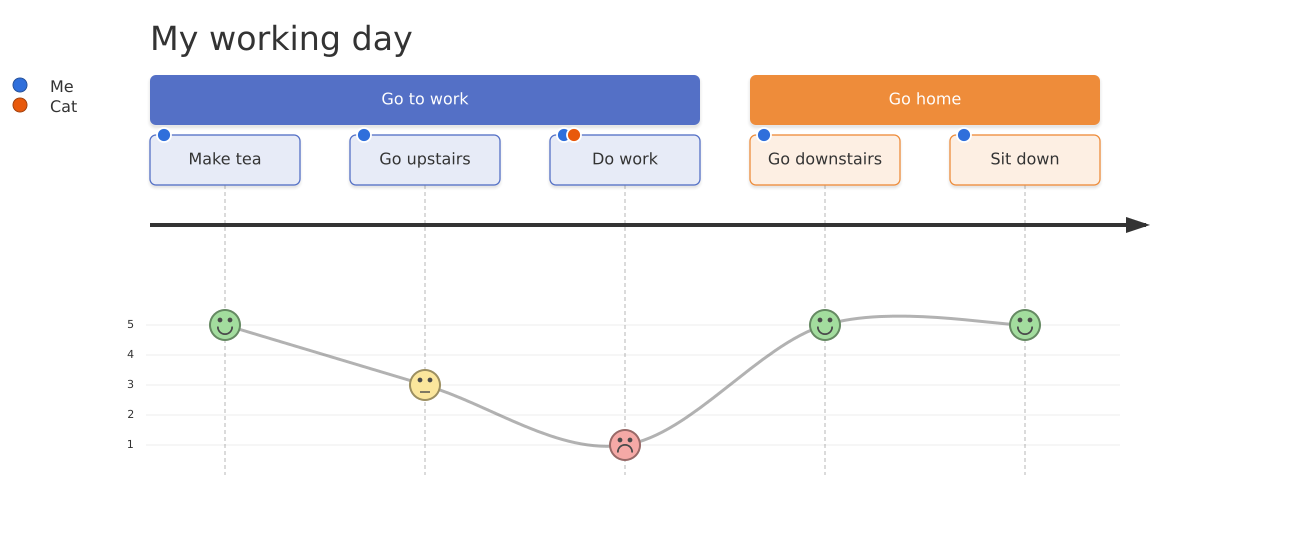
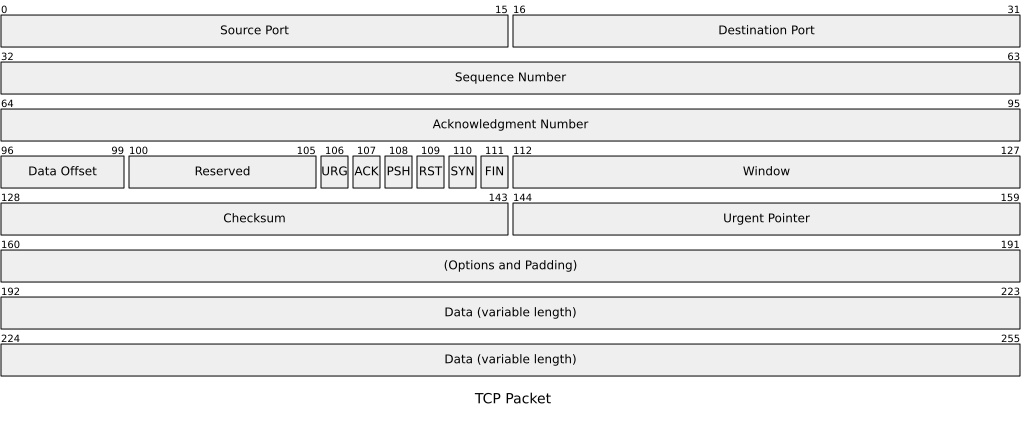
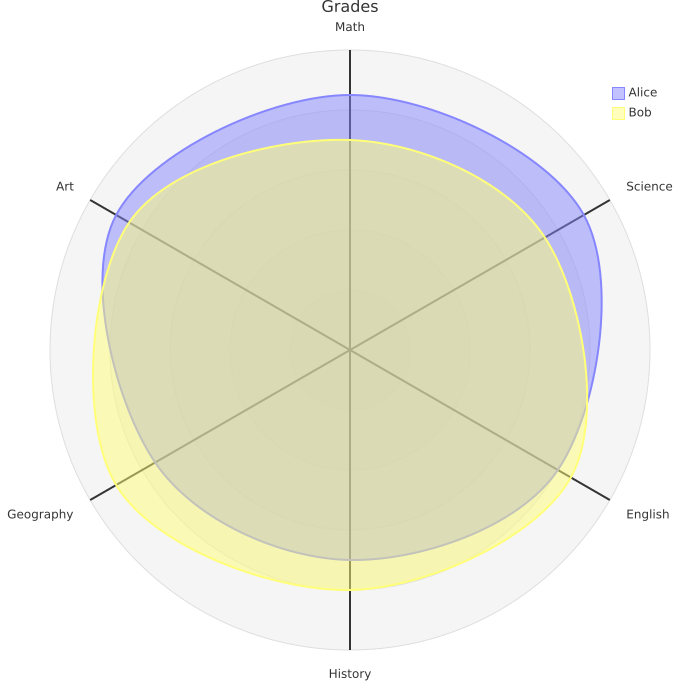
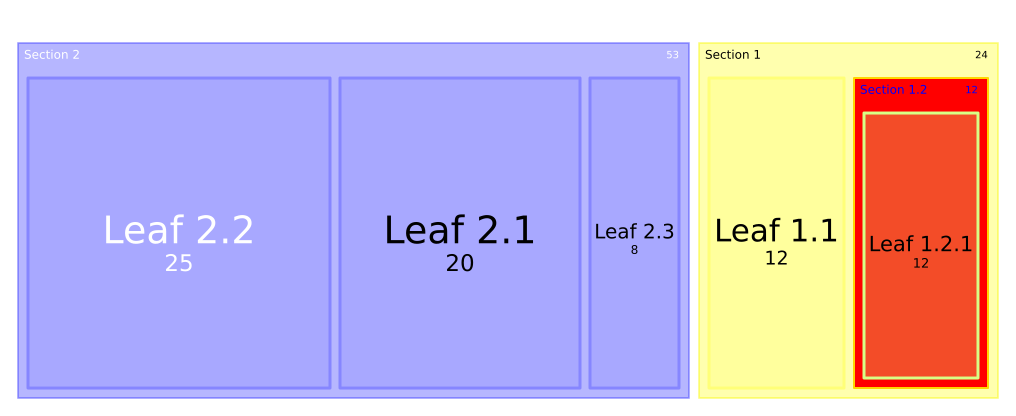
Everything below was rendered by nimaid. Click a card to open its source in the live playground and edit it.
npm install nimaid         // Node, Deno, Bun or the browser (2 MB wasm)

import { Nimaid } from "nimaid";
const n = await Nimaid.load();
const png = n.png("flowchart LR\n A[Hello] --> B[World]", { theme: "dark", scale: 2 });
const svg = n.svg("pie\n \"Cats\" : 3\n \"Dogs\" : 2");
# download a nimaid-cli archive from GitHub Releases, then:
nimaid diagram.mmd diagram.png          # or .svg / .gif
nimaid --theme=dark --scale=3 diagram.mmd out.png
#include "nimaid.h"      /* C API, plus a header-only C++ wrapper */

nimaid_context *ctx = nimaid_context_new();
if (nimaid_render_png(ctx, text, NULL, &png, &len) == NIMAID_OK) { /* use png[0..len) */ nimaid_free(png); }
nimaid_context_free(ctx);
How it compares
nimaid against the usual headless-browser approach to rendering Mermaid on a server or in CI.
nimaid
Headless browser (e.g. mermaid-cli)
Needs a browser engine
No
Yes (Chromium via Puppeteer)
Runtime dependencies
None
Node.js plus a browser download
Runs in the browser without a server
Yes (WebAssembly)
n/a (mermaid.js runs there natively)
Embeddable from C, Python, Nim
Yes
Via a subprocess
Byte-identical output across platforms
Yes
Depends on browser and fonts
Pixel-identical to mermaid.js
No (same algorithms, own renderer)
Yes
If you need pixel-exact mermaid.js output or a diagram type nimaid does not have yet, a browser-based renderer is the right tool. nimaid is for pipelines, servers, docs builds and apps where starting a browser is the problem.
See it for yourself
Paste Mermaid, get a diagram. It all runs in your browser, nothing is uploaded.